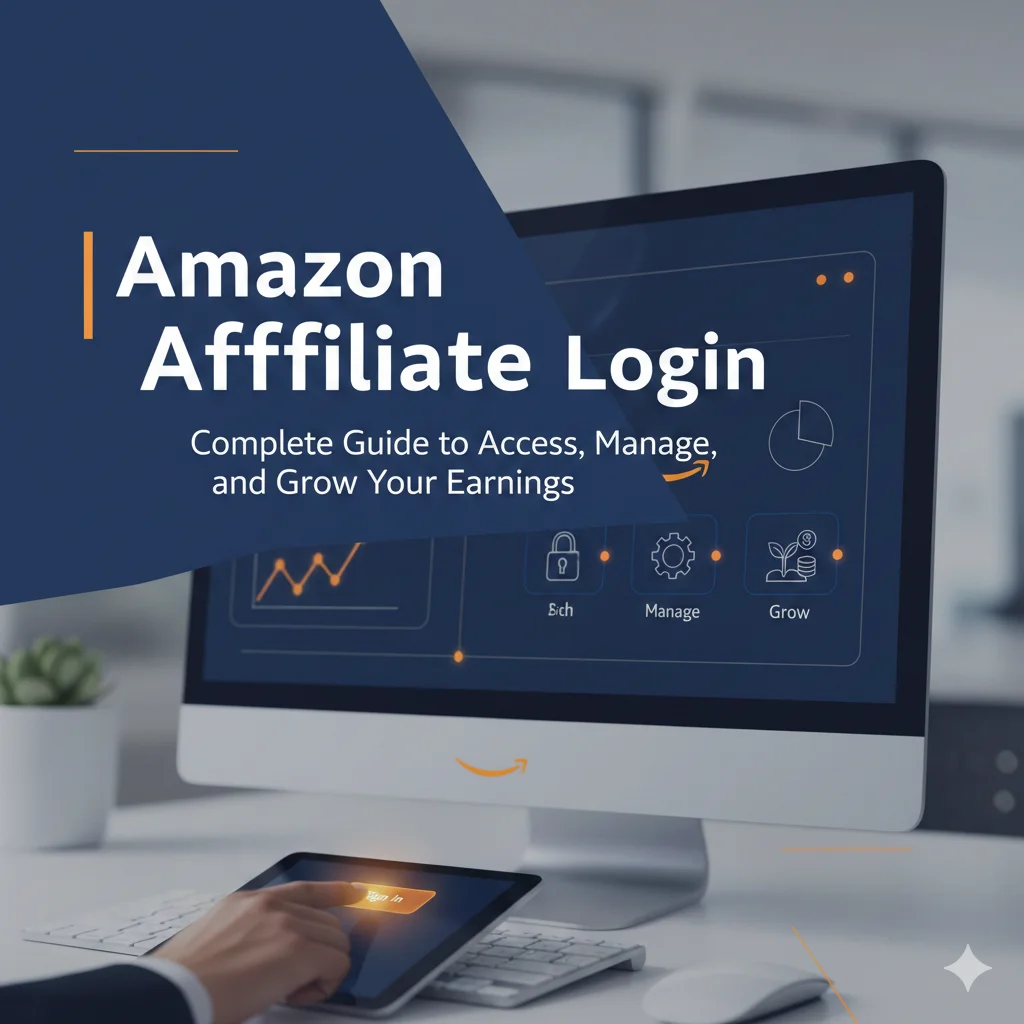
Amazon Affiliate Login: The Ultimate Guide to Managing Your Associates Account
Entering the world of affiliate marketing often begins with a single step: the Amazon affiliate login. Whether you are a seasoned content creator or a beginner looking to monetize your first blog, your Amazon Associates dashboard is the “command center” for your entire earning strategy.
However, getting logged in and navigating the interface can sometimes be more complex than expected. From handling two-factor authentication (2FA) to troubleshooting forgotten passwords or managing multiple regional accounts, there is a lot to keep track of.
In this comprehensive guide, we will walk you through everything you need to know about the Amazon affiliate login process, dashboard features, and how to troubleshoot common access issues.
How to Access the Amazon Affiliate Login Portal
The Amazon Associates program (also known as Amazon Associates Central) is the official platform where you manage your links and track earnings. Depending on your location, the login URL may differ.
Amazon Affiliate Login: The Associates Account: Step-by-Step Login Process
- Visit the Official Site: Go to affiliate-program.amazon.com.
- Click Sign In: Look for the “Sign In” button at the top right corner of the page.
- Enter Credentials: Provide the email address and password associated with your Amazon account. Note that if you already have a standard Amazon shopping account, you likely used those same credentials to sign up for the affiliate program.
- Complete Two-Step Verification: For added security, Amazon often sends a One-Time Password (OTP) to your registered mobile number or email. Enter this code to gain access.
Regional Login URLs
Amazon operates separate affiliate programs for different countries. If you are targeting a specific market, ensure you are logging into the correct portal: Your credentials are not shared across regions — an account on Amazon.co.uk does not grant access to Amazon.com Associates, and vice versa. Always log in via the portal that matches your registered program.
| Country / Region | Login URL | Currency | Min. Payout |
| United States | affiliate-program.amazon.com | USD ($) | $10 (direct deposit) |
| United Kingdom | affiliate-program.amazon.co.uk | GBP (£) | £25 |
| Canada | affiliate-program.amazon.ca | CAD ($) | $10 |
| India | affiliate-program.amazon.in | INR (₹) | ₹1,000 |
| Germany | affiliate-program.amazon.de | EUR (€) | €25 |
| Japan | affiliate-program.amazon.co.jp | JPY (¥) | ¥1,500 |
| Australia | affiliate-program.amazon.com.au | AUD ($) | $25 |
Troubleshooting Common Amazon Affiliate Login Issues
It can be frustrating when you are ready to check your daily earnings but can’t get past the login screen. Here are the most common issues and how to fix them.
1. Forgotten Password or Email
If you can’t remember your password, click the “Forgot your password?” link on the login page. Amazon will send a reset link to your registered email. If you no longer have access to that email, you may need to contact Amazon Customer Service to verify your identity and recover the account.
2. Two-Step Verification (2FA) Problems
Sometimes, the OTP (One-Time Password) takes a few minutes to arrive. If it doesn’t show up:
- Check your “Spam” or “Promotions” folder in your email.
- Ensure your mobile device has a steady signal.
- Wait at least 10 minutes before requesting a new code, as multiple requests can sometimes “clog” the system.
3. “Account Not Found” Errors
This usually happens if you are trying to log into the wrong regional site. For example, if you signed up for the Amazon.co.uk program but are trying to log in via the Amazon.com portal, your credentials may not be recognized. Always double-check the URL suffix.
4. Browser Cache and Cookies
A cluttered browser cache can cause “looping” login screens where the page simply refreshes. Try clearing your browser’s cookies or logging in via an Incognito/Private window to see if that resolves the issue.
Exploring the Amazon Associates Dashboard
Once you successfully complete the Amazon affiliate login, you’ll be greeted by the Associates Central Dashboard. This is where the magic happens. Understanding this interface is key to optimizing your performance.
The Home Tab: Earnings Overview
The main screen provides a snapshot of your performance over the last 30 days. You can see:
- Total Clicks: How many people clicked your links.
- Ordered Items: The number of products purchased through your links.
- Conversion Rate: The percentage of clicks that resulted in a sale.
- Total Earnings: Your commissions for the period.
Product Linking Tools
Under the “Product Linking” tab, you can find various ways to generate links:
- Product Links: Search for specific items and get a text or image link.
- Banners: Access pre-made banners for specific categories like “Kindle” or “Amazon Prime.”
- Native Shopping Ads: These are dynamic ad units that you can place at the bottom of blog posts to show related products.
Performance Reports
The “Reports” section allows you to dive deep into data. You can filter reports by date, tracking ID, or product category. This helps you identify which blog posts are driving the most revenue and which products your audience prefers.
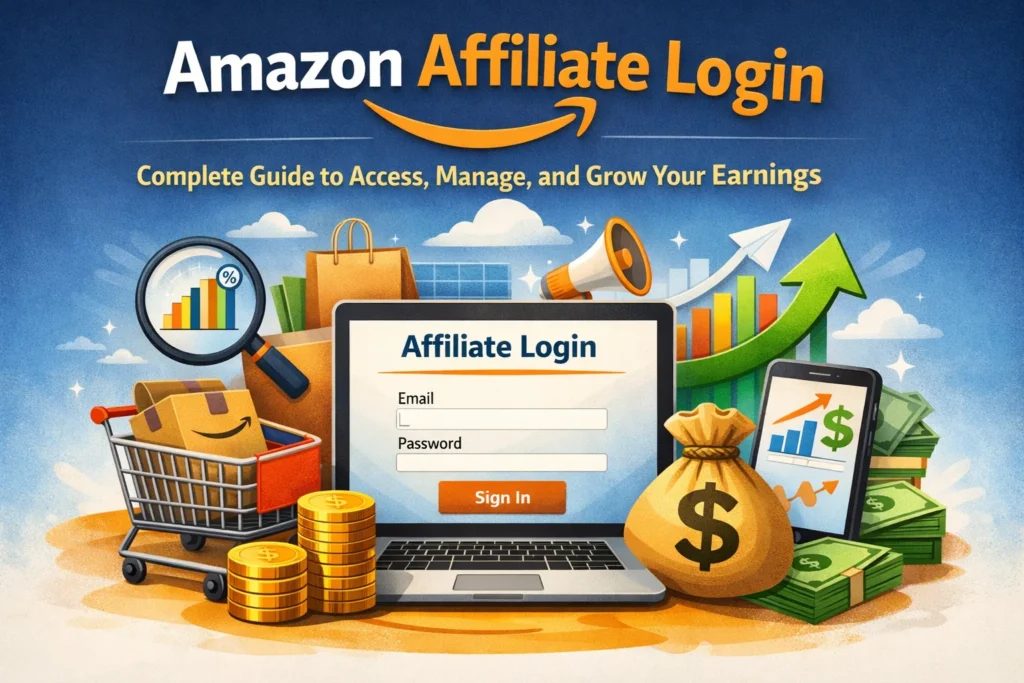
Essential Security Tips for Your Affiliate Account
Since your Amazon Associates account contains sensitive payment information and tax details, keeping it secure is paramount.
- Enable 2FA: If you haven’t already, enable Two-Step Verification. This is the single most effective way to prevent unauthorized access.
- Use a Unique Password: Never use the same password for your affiliate account that you use for other websites.
- Monitor “Store IDs”: If you have multiple websites, use different “Tracking IDs” (e.g., yoursite01-20, yoursite02-20). This doesn’t just help with tracking; it helps you see if one specific site’s links are being misused.
- Beware of Phishing: Amazon will never ask for your password via email. Always log in by typing the URL directly into your browser.
Amazon Commission Rates by Category (2026)
Understanding commission structure helps you prioritize which products to feature. Rates are set by Amazon and subject to change, but the table below reflects current published rates as of early 2026.
| Product Category | Commission Rate | Earning Potential |
| Luxury Beauty & Amazon Luxury Stores | 10% | ⭐⭐⭐⭐⭐ |
| Amazon Games | 20% | ⭐⭐⭐⭐⭐ |
| Apparel & Accessories | 4% | ⭐⭐⭐ |
| Home & Kitchen / Furniture | 3% | ⭐⭐⭐ |
| Electronics (most) | 1–3% | ⭐⭐ |
| Books (physical) | 4.5% | ⭐⭐⭐ |
| Digital Music / Physical Music | 5% | ⭐⭐⭐ |
| Computers & PC Components | 1% | ⭐ |
| Amazon Prime Sign-ups | $3 bounty | ⭐⭐⭐ |
| Kindle Unlimited | $10 bounty | ⭐⭐⭐⭐ |
Source: Amazon Associates Program Commission Income Statement, published rates 2025–2026.
Amazon Affiliate Login: The Associates Account: People Also Ask (FAQ)
How do I find my Amazon Affiliate ID?
Once logged in, your Store ID (often ending in -20 or -21) is usually visible in the top right corner of the Associates Central dashboard.
Can I log into Amazon Associates on my phone?
Yes. While there isn’t a dedicated “Amazon Associates App,” the website is mobile-responsive. You can log in via any mobile browser to check your stats on the go. Additionally, the standard Amazon shopping app has a “SiteStripe” feature for influencers if they are logged into the same account.
Why is my Amazon affiliate account closed?
Accounts are often closed due to inactivity (not making 3 sales within the first 180 days) or violations of the Operating Agreement. Common violations include putting affiliate links in emails/PDFs or using link shorteners that hide the “Amazon” destination.
Can I have two Amazon affiliate accounts?
Generally, Amazon prefers one account per person/entity. However, you can manage multiple websites and tracking IDs under a single login. If you have a legitimate business reason for a second account (like a separate legal entity), you should contact Amazon support first.
Does it cost money to join or log in?
No, the Amazon Associates program is 100% free to join and use.
Maximizing Your Access
The Amazon affiliate login is the gateway to one of the most lucrative passive income streams on the internet. By understanding how to navigate the portal, troubleshoot technical glitches, and utilize the reporting tools, you set yourself up for long-term success.
Remember to check your dashboard regularly—not just for the “earnings dopamine hit,” but to analyze your data. See what’s working, prune what isn’t, and always stay compliant with Amazon’s ever-evolving policies.
Authoritative References
- Amazon Associates Program — Official Portal & Operating Agreement: affiliate-program.amazon.com
- Amazon Associates Help Center — Account Management & Troubleshooting: affiliate-program.amazon.com/help